THE PLATENED PLATFORM

Ordering, artwork, and production preparation. Connected.

Give customers flexible ways to buy and powerful tools to create. Keep their artwork, quantities, and order details connected as your team prepares production.

PLATENED ORDERING

One storefront. More ways to order
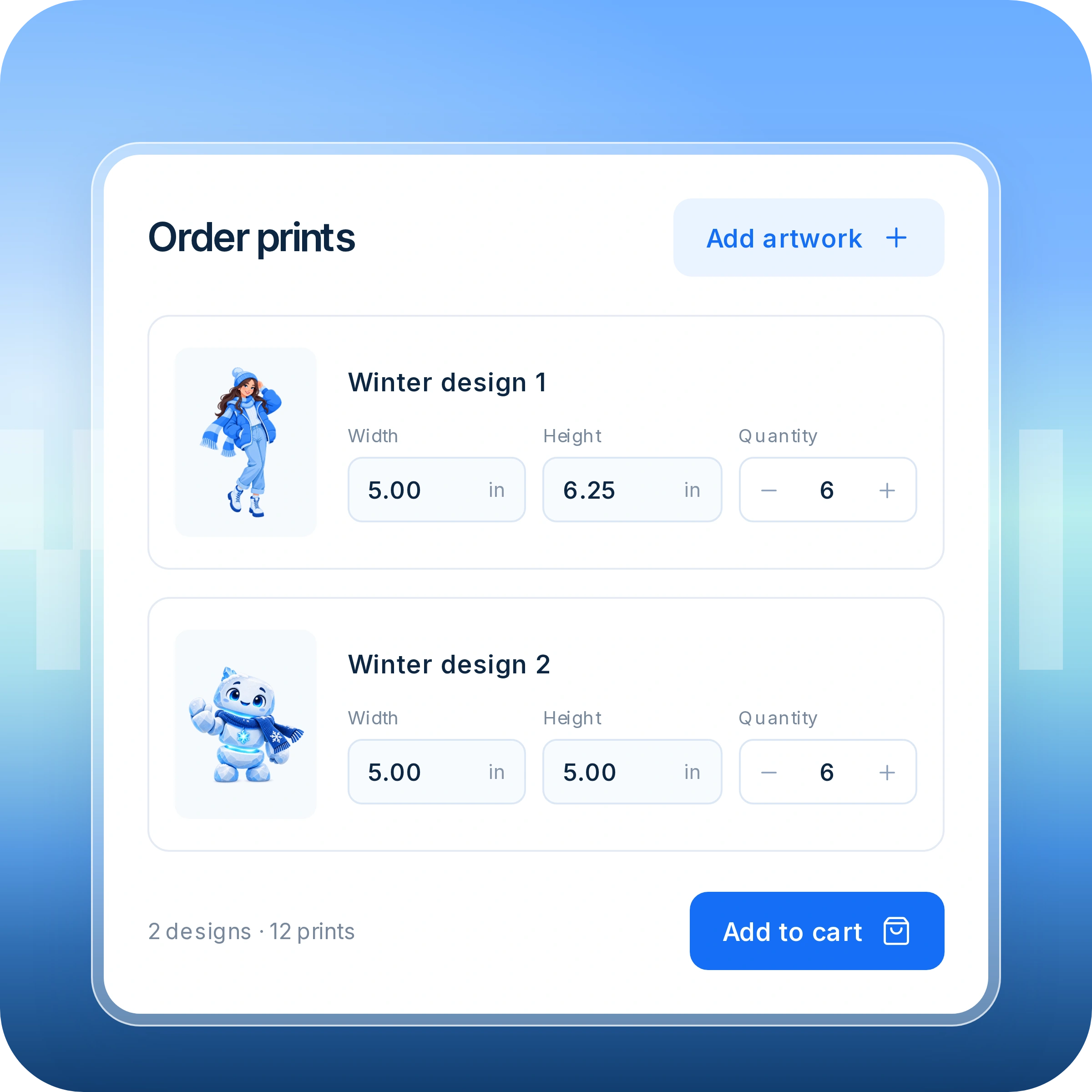
Let customers buy individual prints at the sizes and quantities they need—without making them arrange a sheet.

Individual artwork with width, height, and quantity fields for ordering prints.

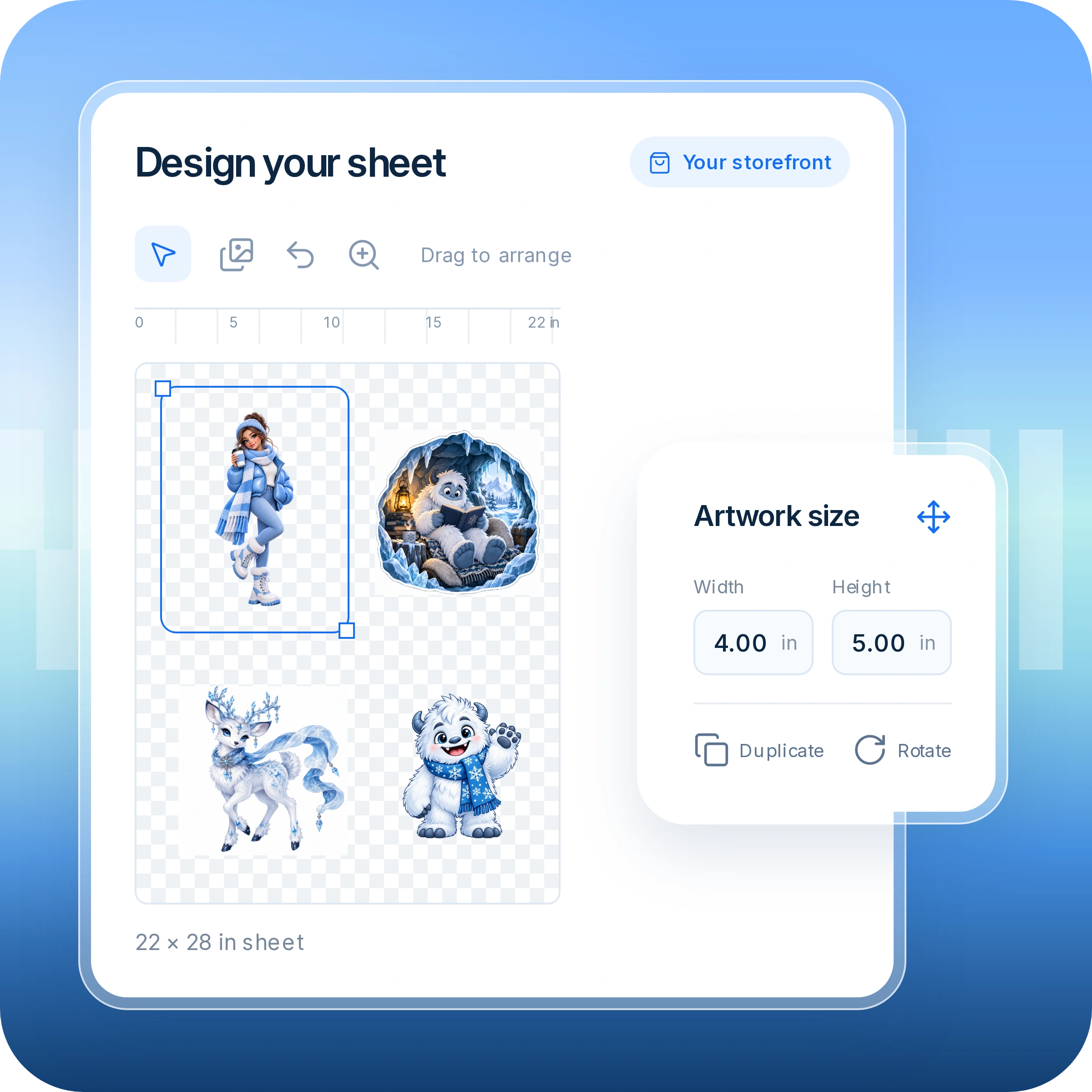
Let customers arrange their artwork, adjust sizes, and create a sheet exactly how they want it—all in your storefront.

Sheet builder with arranged artwork and controls for size, duplication, and rotation.

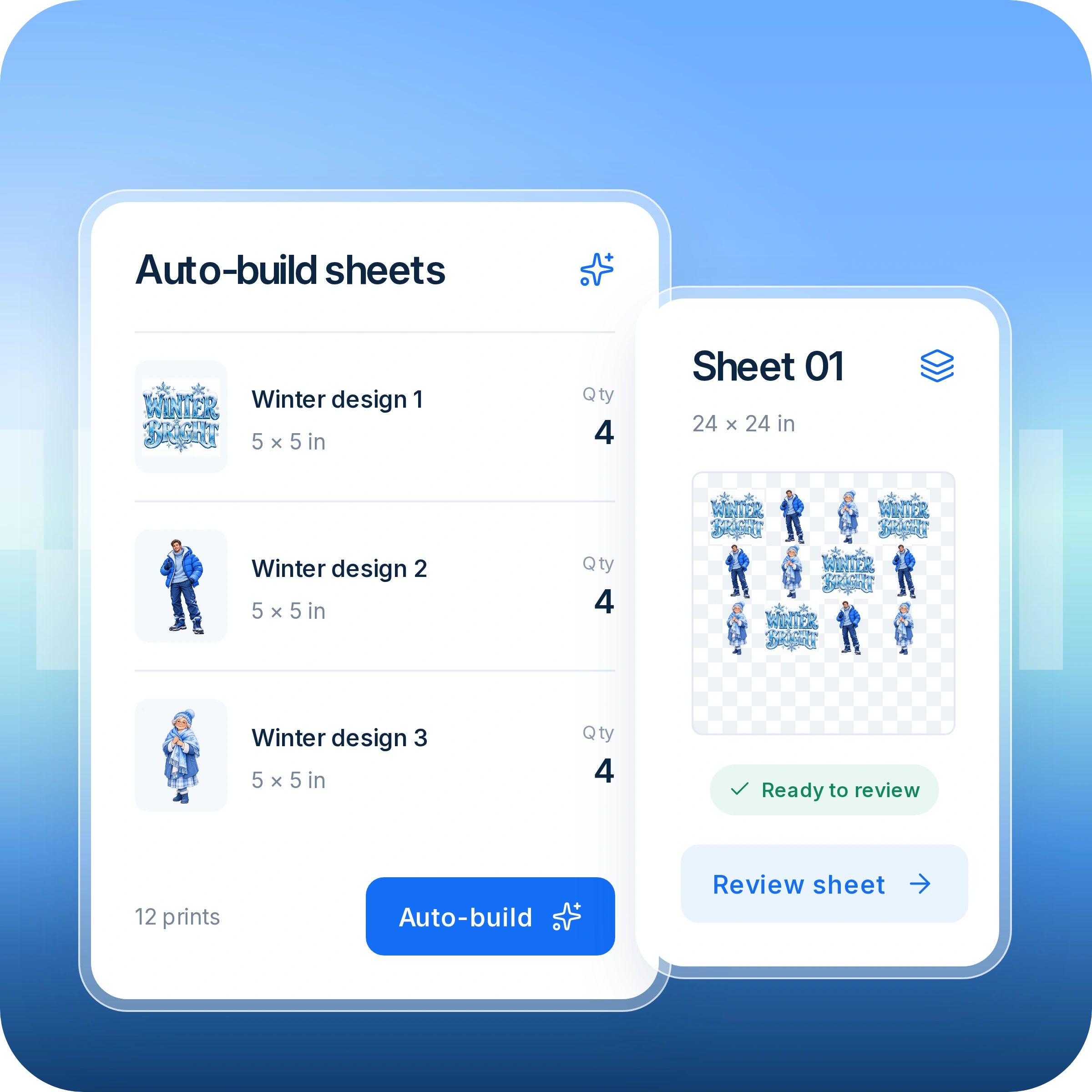
Customers choose their artwork, sizes, and quantities. Platened arranges their designs into sheets, ready to review and order.

Artwork sizes and quantities automatically arranged into a sheet ready to review.

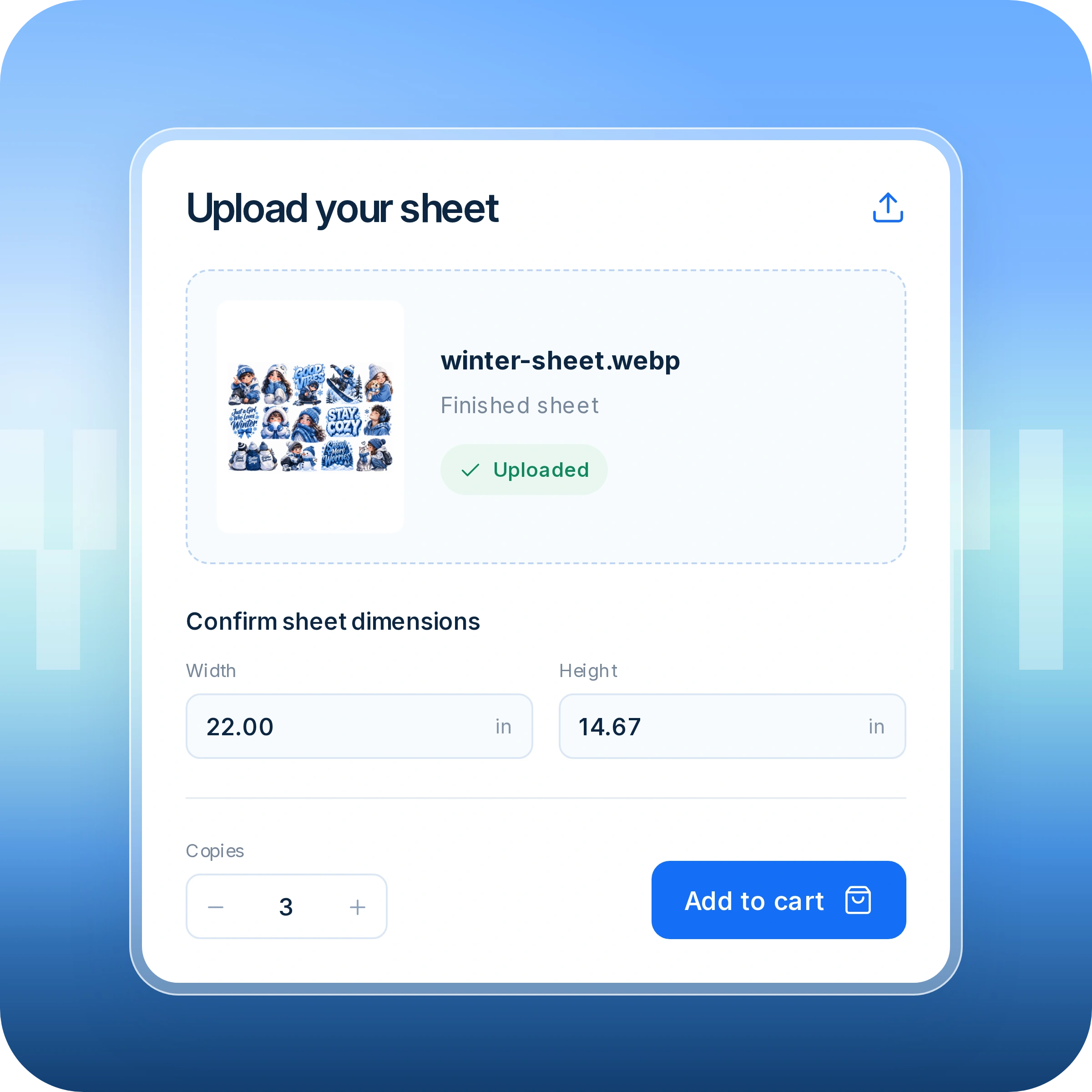
Give experienced customers a direct path to purchase. Upload a prepared sheet, confirm its dimensions, and choose how many copies to order.

Uploaded finished sheet with dimension fields and a copies selector.

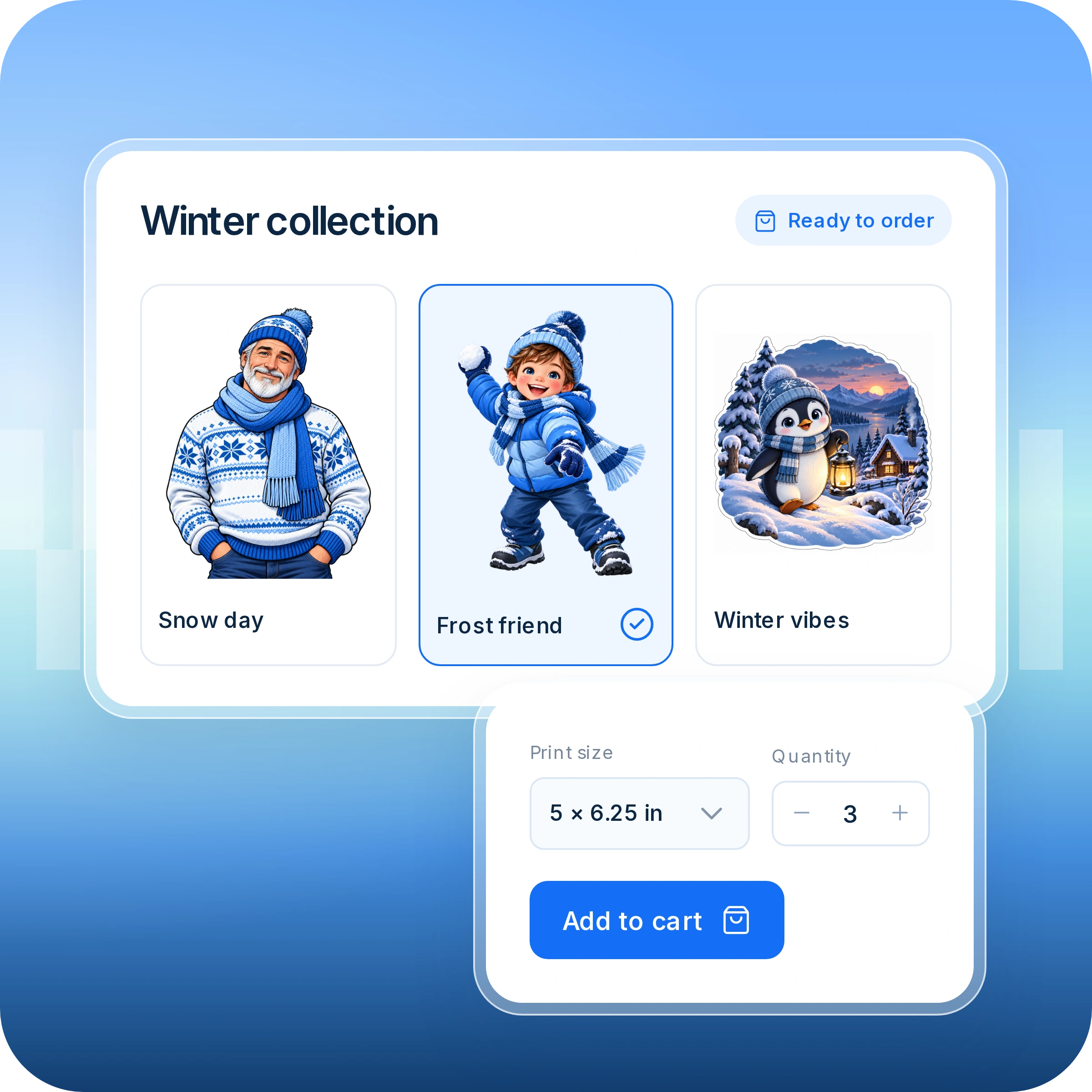
Turn your artwork collection into products customers can buy. Let them choose a design, select their options, and order without uploading anything.

Ready-made winter designs with a selected design, print size, and quantity.
Individual artwork with width, height, and quantity fields for ordering prints.
PLATENED BUILDER

A powerful builder. Less work for your team.

Smart Auto Nesting

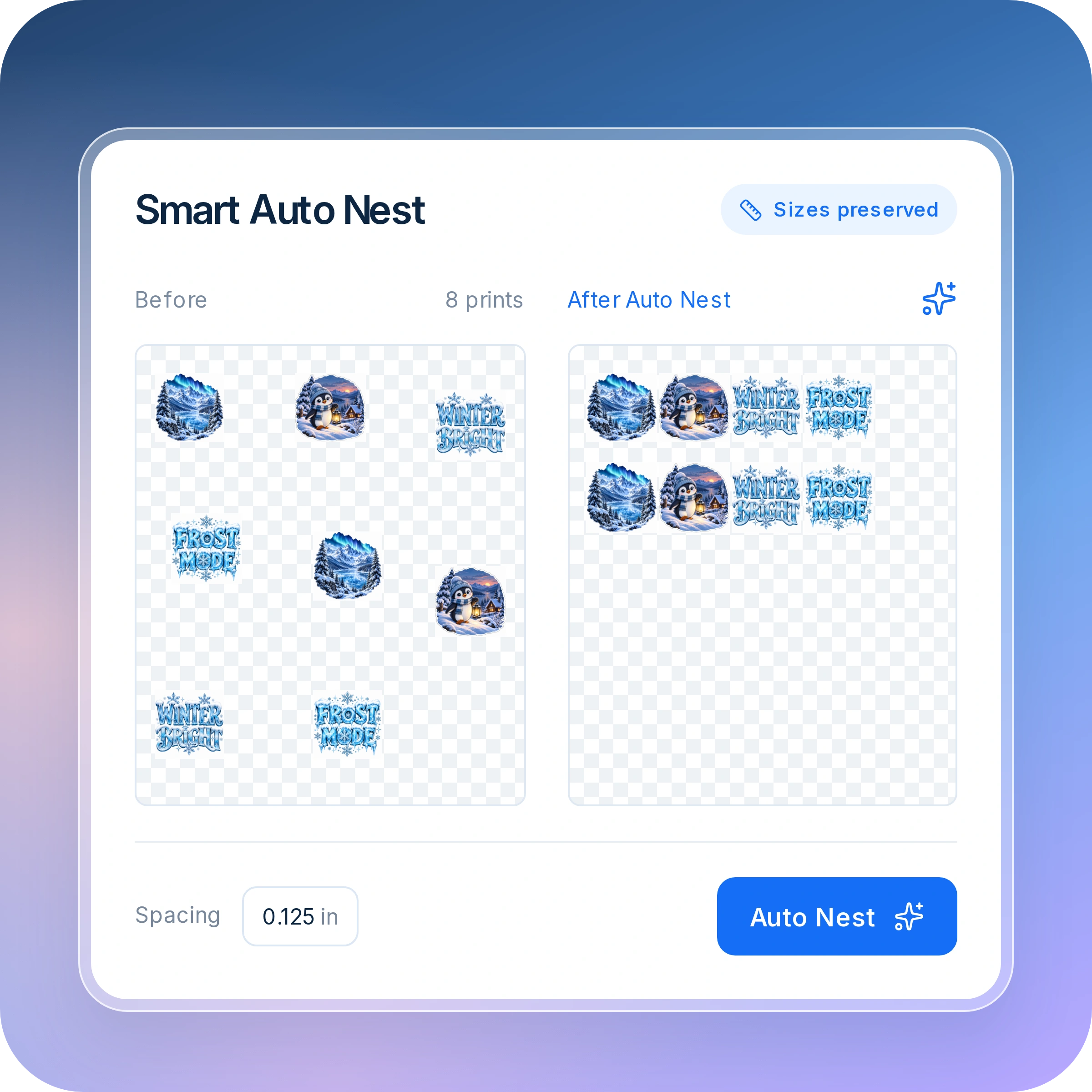
Make the most of every sheet. Automatically arrange artwork into efficient layouts while preserving design sizes and respecting your spacing settings.

Artwork layouts before and after Auto Nest, with preserved sizes and a spacing control.

Background & Color Removal

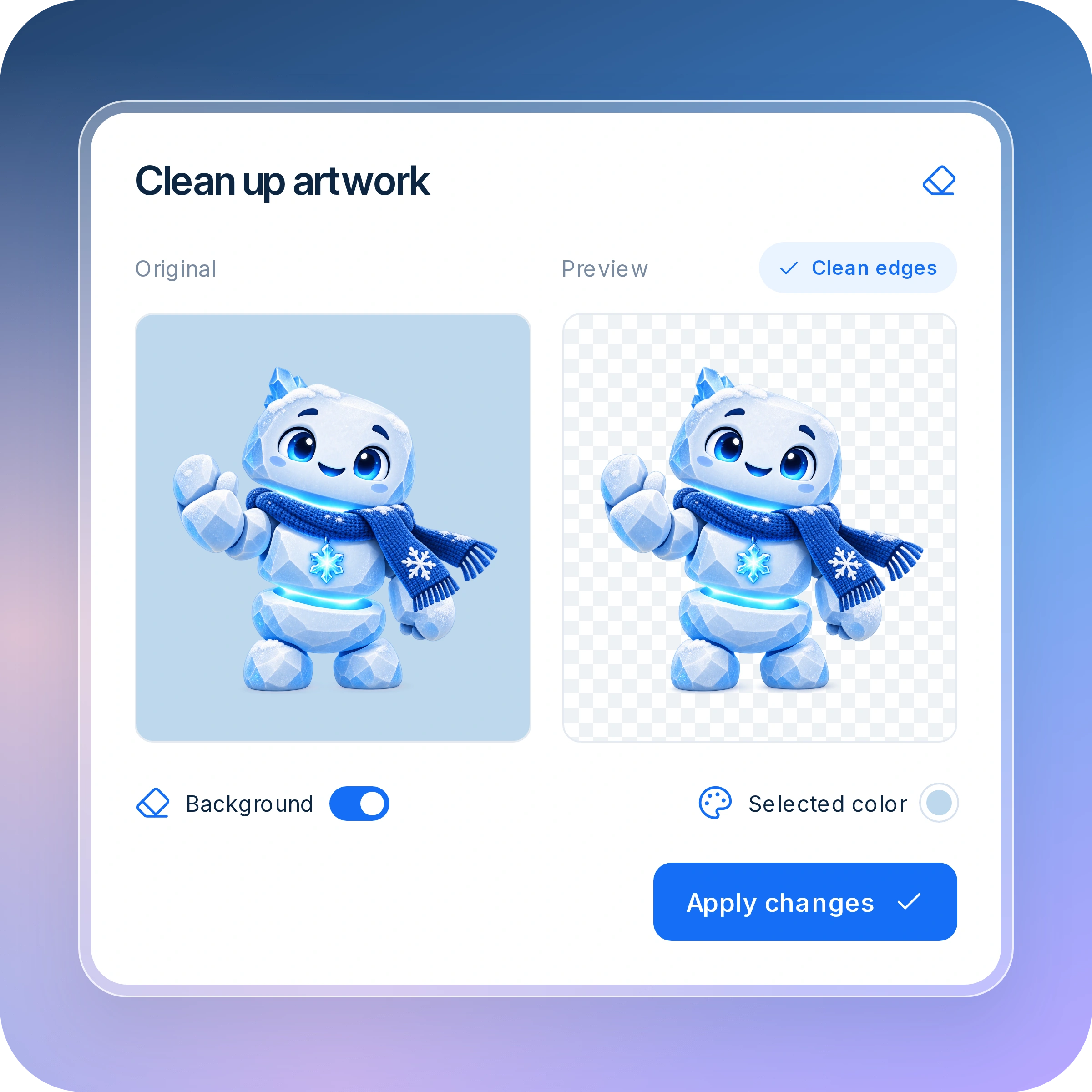
Keep the artwork. Remove the unwanted extras. Let customers remove backgrounds or selected colors without switching to another application.

Original artwork beside a transparent preview, with background and selected-color removal controls.

Image Upscaling

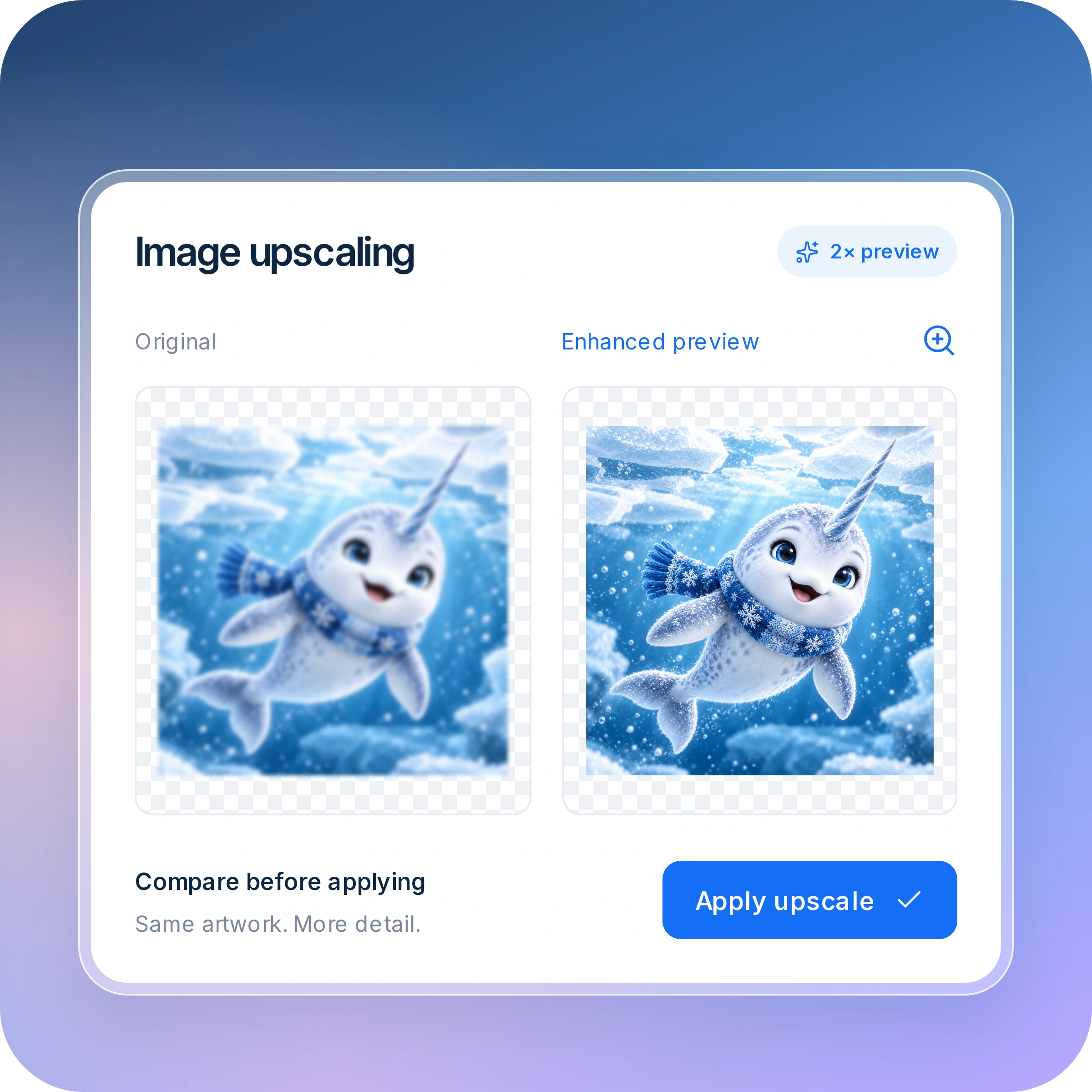
Give smaller artwork a closer look. Upscale images and compare the results directly in the builder before adding them to a sheet.

Original artwork compared with an enhanced preview before applying an upscale.

Built-In Artwork Checks

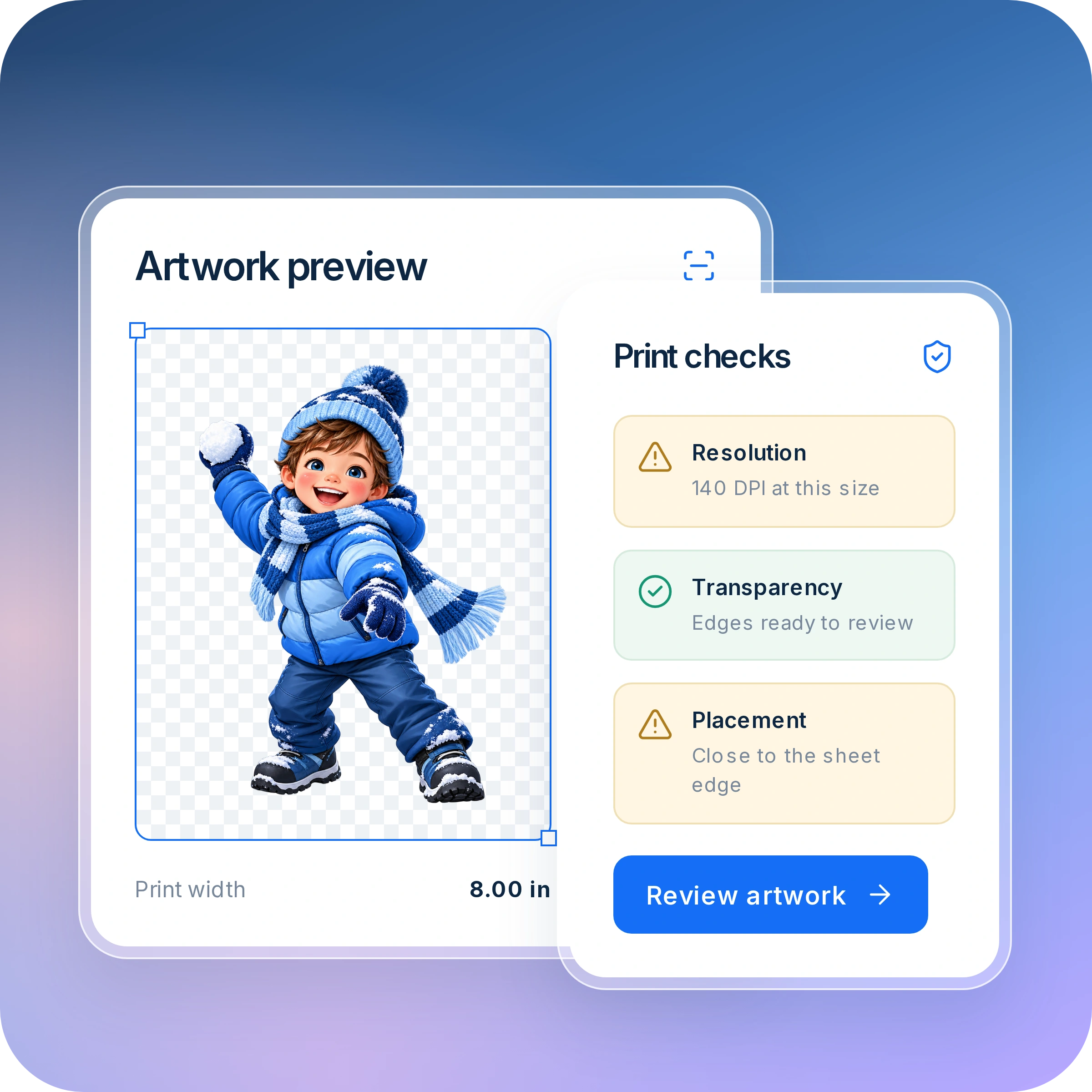
Catch potential print issues before they become production problems. Give customers clear warnings about resolution, transparency, and artwork placement.

Selected artwork with resolution, transparency, and sheet-edge placement findings.

Precision Layout Tools

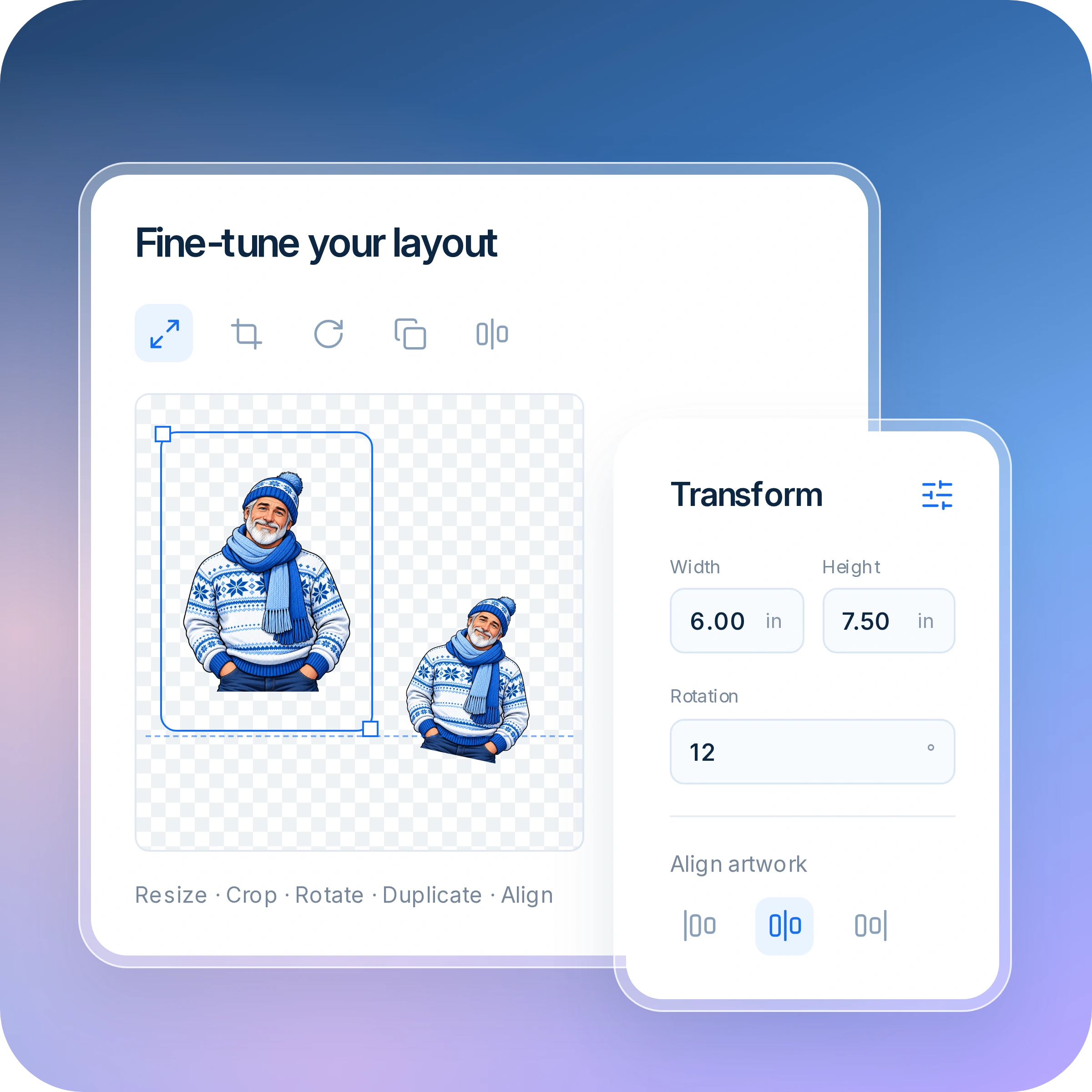
Fine-tune every detail. Resize, crop, rotate, duplicate, and align artwork with straightforward controls that put customers in charge of their layout.

Selected artwork with resize, crop, rotate, duplicate, and alignment tools.

Text, Names & Numbers

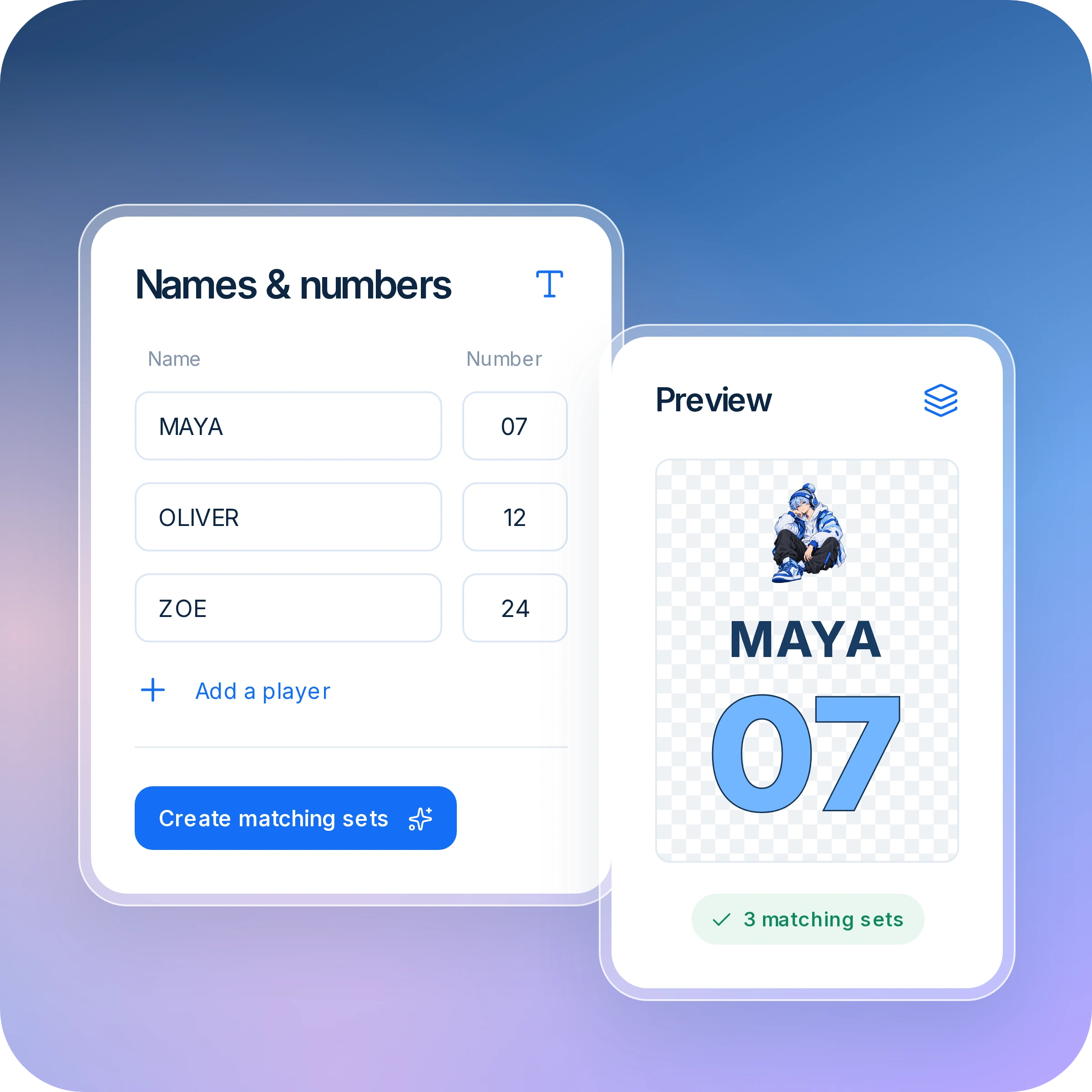
Make personalized orders easier. Let customers add custom text and create matching name-and-number sets for teams, events, and more.

Player names and numbers with a personalized design preview and matching sets.

Built-In Artwork Library

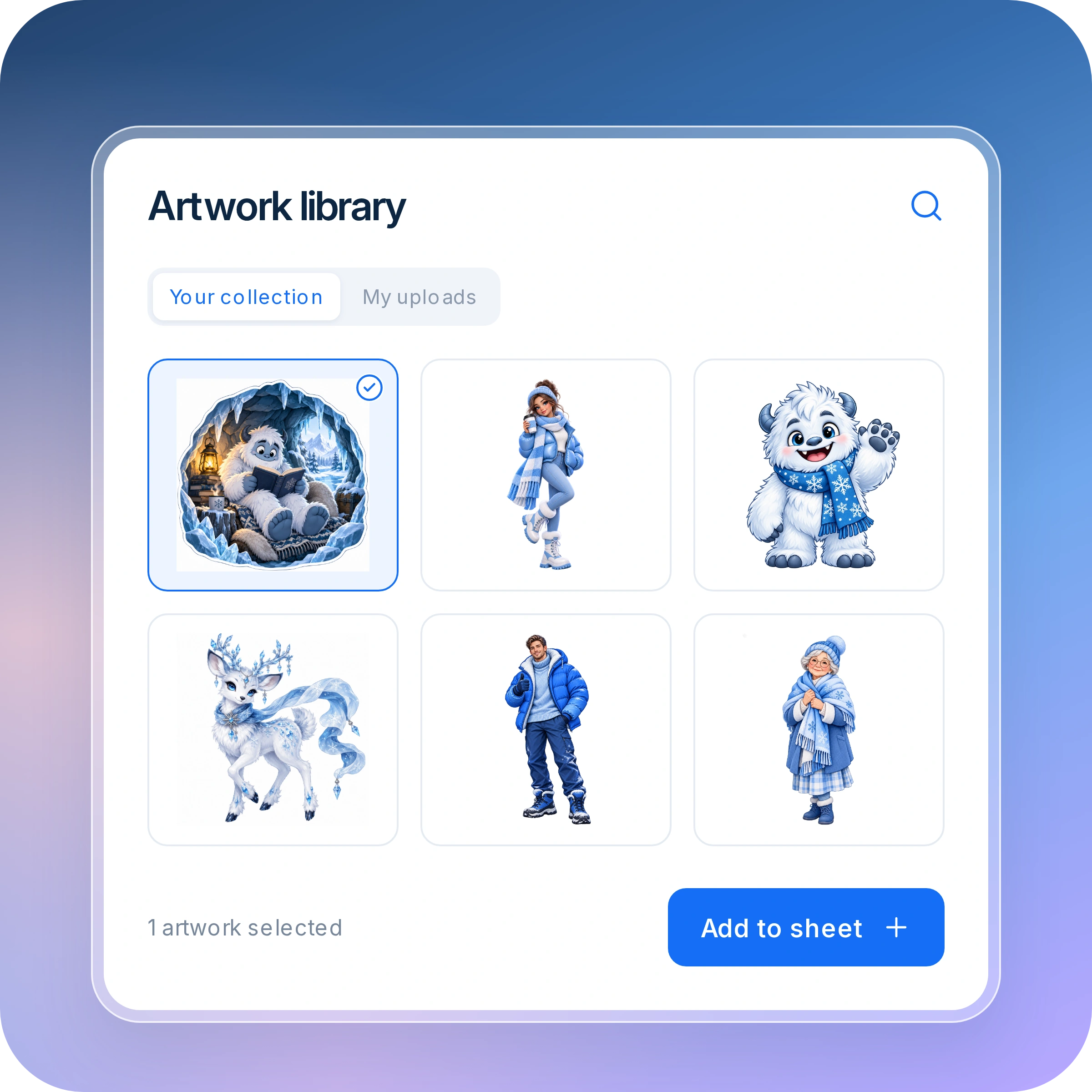
Keep inspiration close at hand. Let customers browse your artwork collection and reuse their uploads without hunting for files or starting over.

Artwork library with collection and upload tabs, a selected design, and an add-to-sheet action.

Save, Resume & Reorder

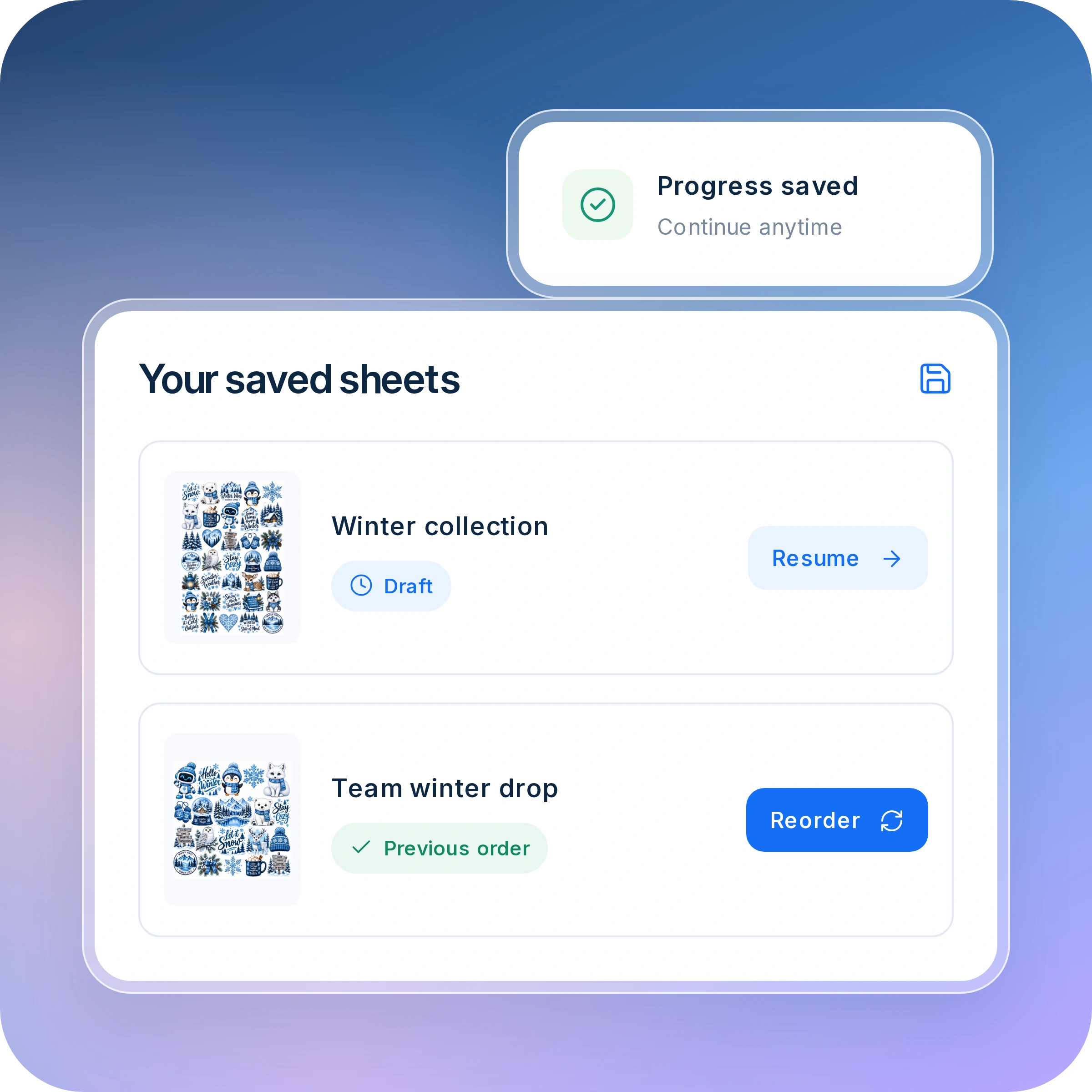
Make returning effortless. Customers can save unfinished sheets, pick up where they left off, and reorder previous designs without rebuilding them.

Saved sheets with options to resume a draft or reorder a previous design.
Artwork layouts before and after Auto Nest, with preserved sizes and a spacing control.
PLATENED PRODUCTION

From incoming orders to print-ready jobs.

Batch Compatible Orders

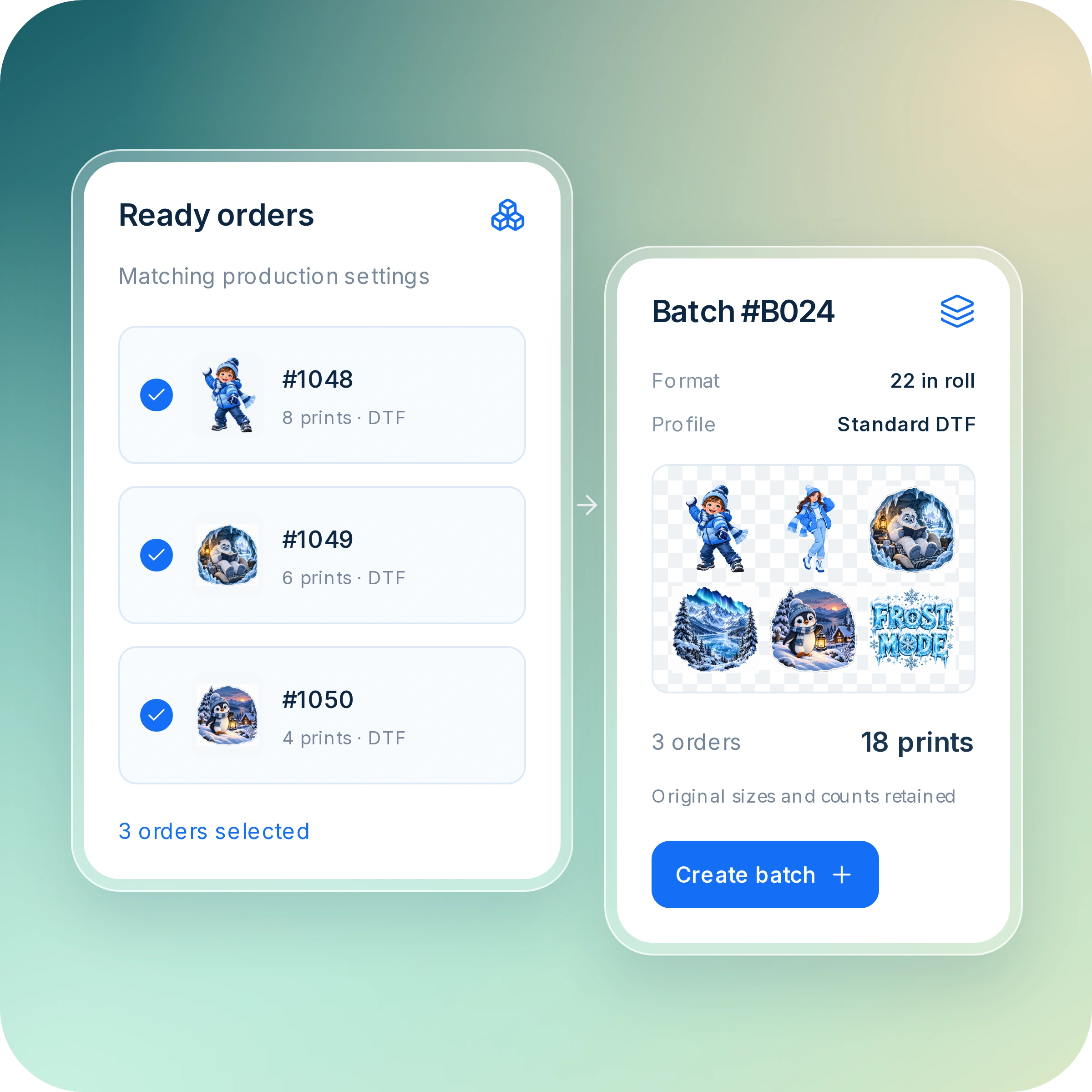
Prepare multiple orders together. Combine compatible work into production batches while keeping every customer’s requirements intact.

Three compatible orders combined into a production batch with original sizes and counts retained.

Orders, Organized

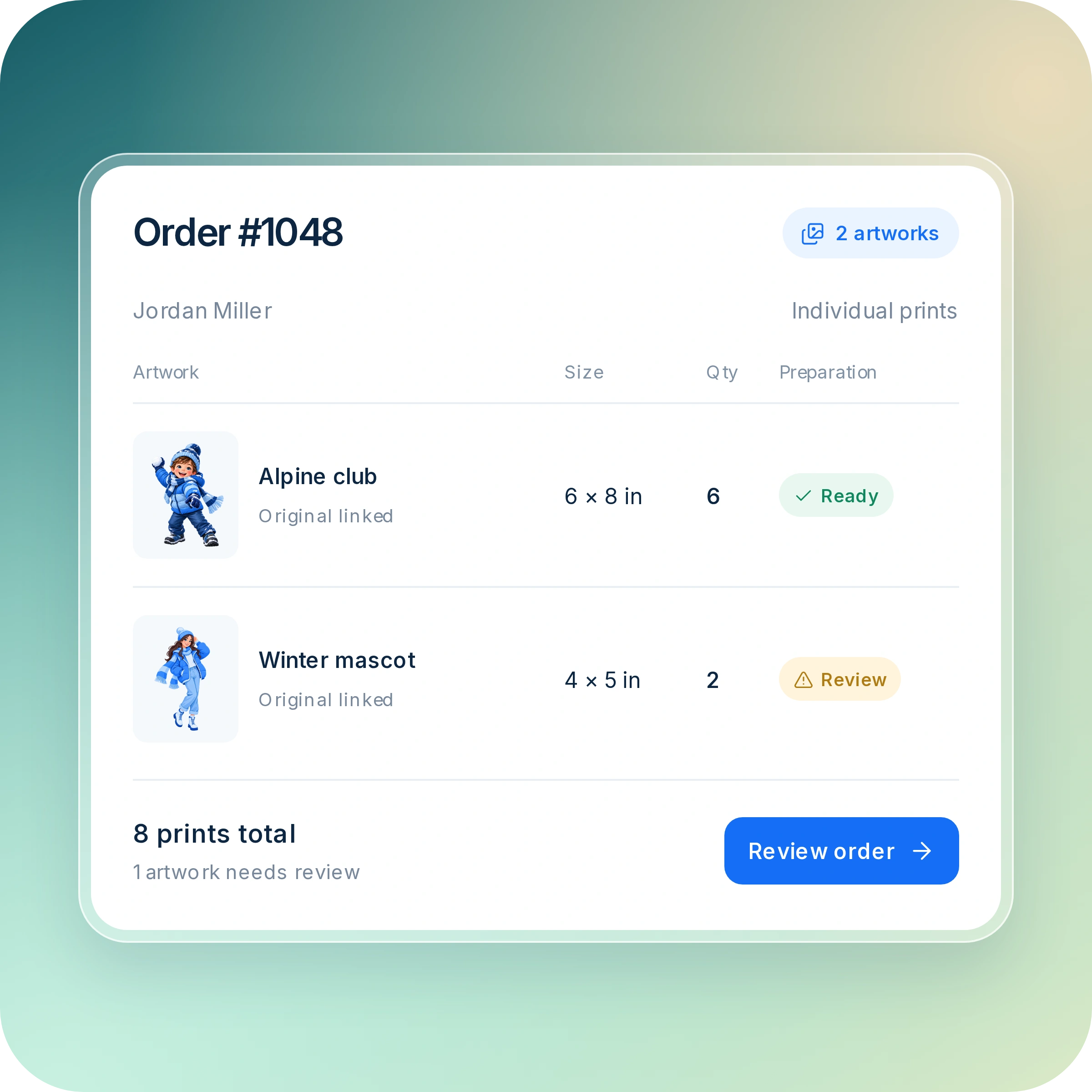
See artwork, dimensions, quantities, and preparation status together—without hunting through separate files to understand an order.

An order showing artwork, dimensions, quantities, and preparation statuses together.

Flexible Production Layouts

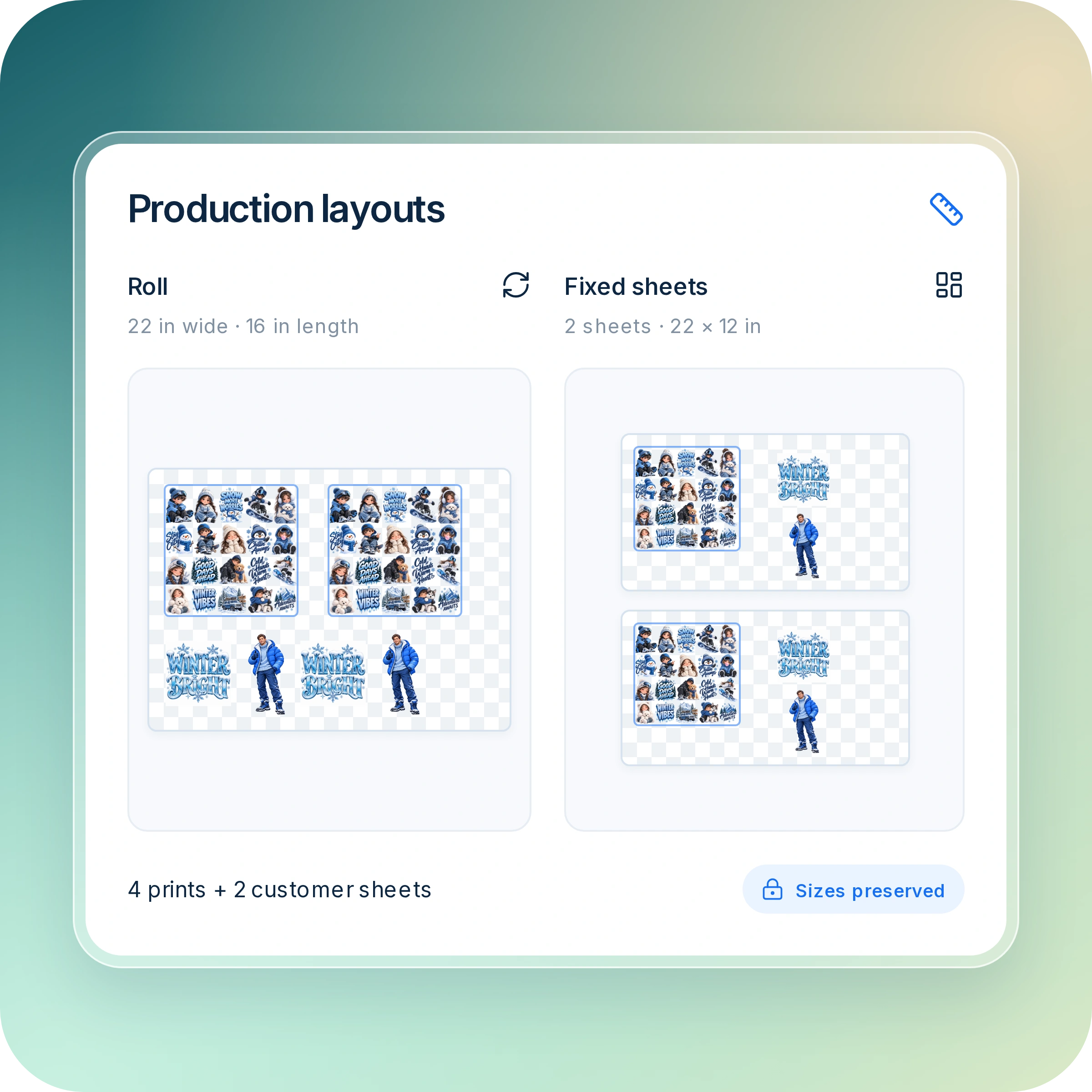
Arrange work for roll or fixed-sheet production. Fit individual prints and complete customer sheets into your production format without changing what customers ordered.

Roll and fixed-sheet layouts combining individual prints and customer sheets with sizes preserved.

Every Item, Accounted For

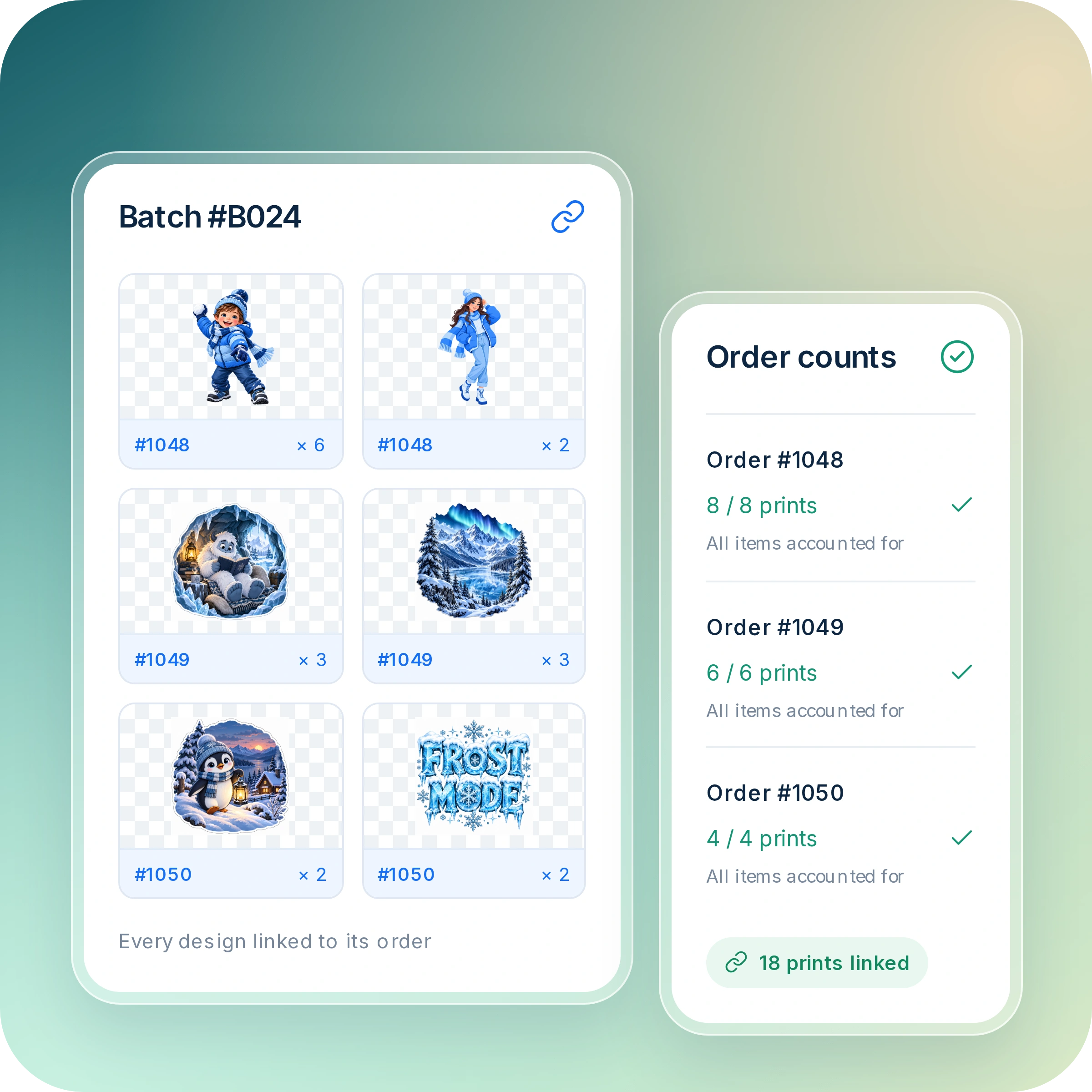
Keep each print connected to its order, so your team can identify, count, and sort customer work with confidence.

Batch artwork linked to order numbers and quantities, with verified print counts for each order.

Print-Ready Files

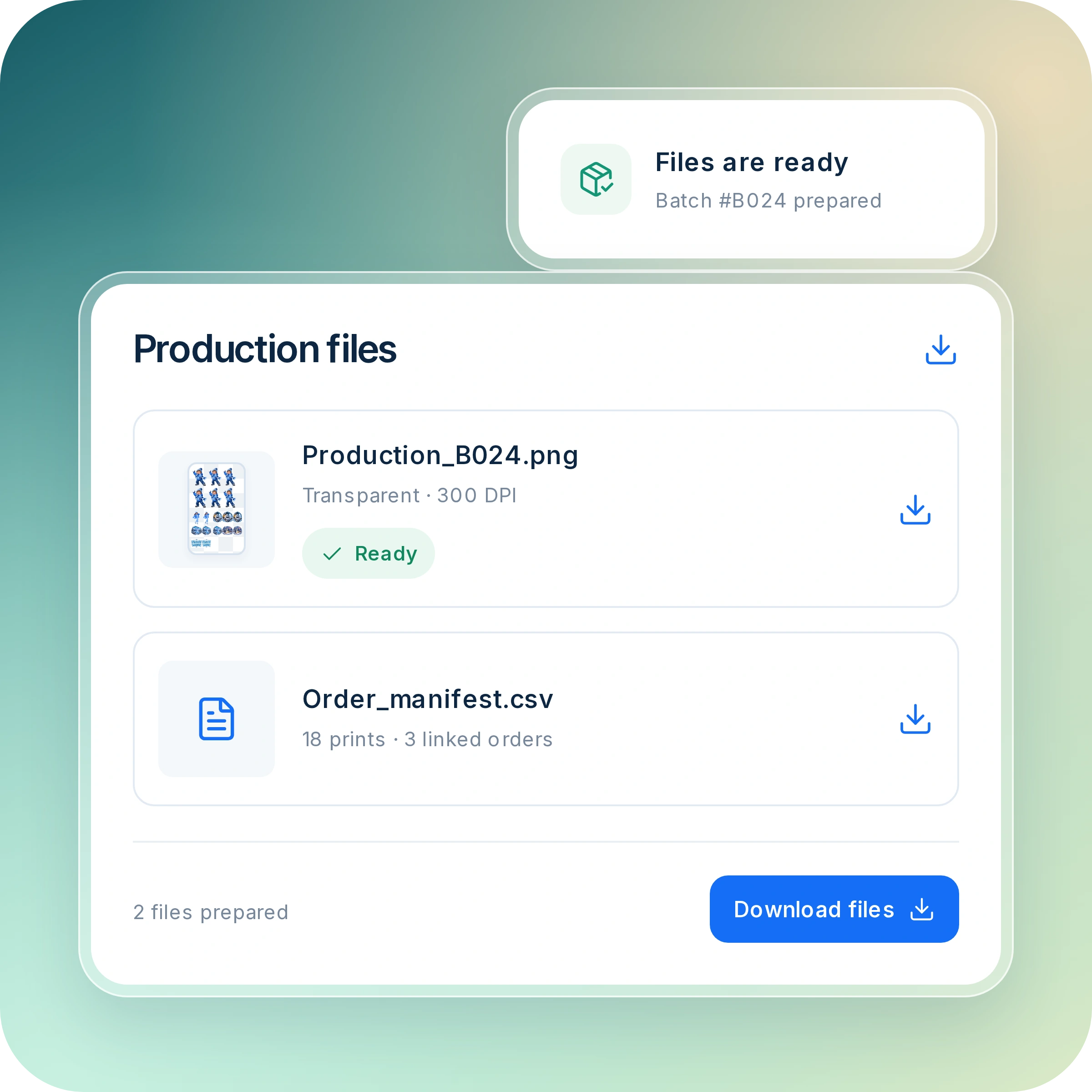
Download prepared production files without rebuilding layouts or piecing customer artwork together manually.

Prepared production image and order manifest with download actions.

Clear Production Progress

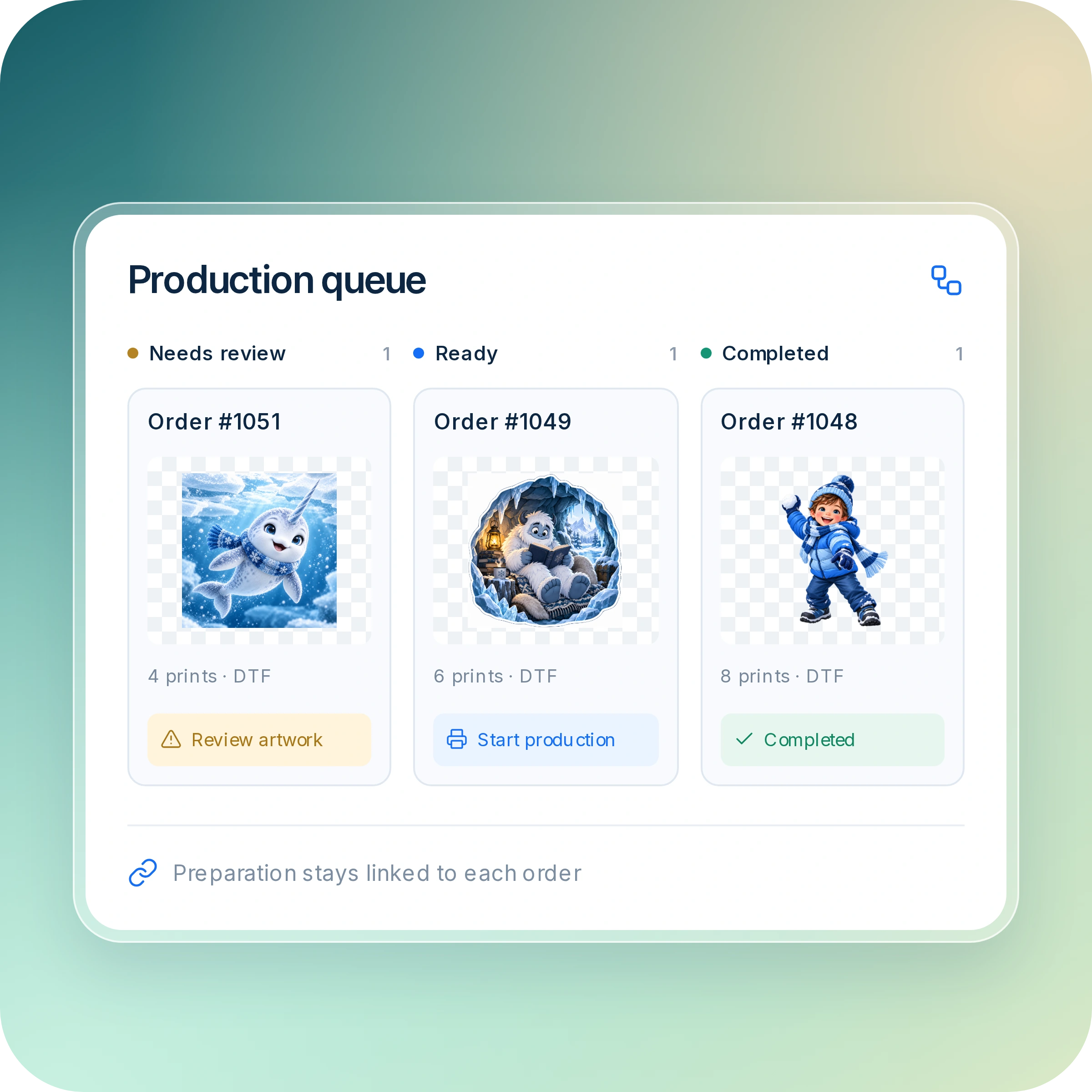
Know what needs attention, what is ready for production, and what your team has completed—all without losing track of the order.

Production queue with orders grouped into needs review, ready, and completed statuses.
Three compatible orders combined into a production batch with original sizes and counts retained.

Frequently asked questions

How do Ordering, Builder, and Production work together?

Ordering captures what the customer wants to purchase. Builder provides artwork tools within the experiences that need them. Production keeps the purchased requirements connected as your team prepares the output.

Does every customer need to use the full Builder?

No. Customers can use direct ordering paths for prepared sheets, individual artwork, or ready-to-order designs. The full Builder is available when creating or adjusting a composition is part of the purchase.

Do I have to batch every order?

No. Prepare an approved order directly, or combine compatible work when batching helps your workflow.

Does Platened replace my printing software?

Platened handles ordering, artwork tools, and supported production preparation. Your printing software and equipment handle the physical production workflow. Validate the supported output formats against your setup.

Can I configure the experience for each product?

Yes. Use the supported product settings to choose the ordering options, dimensions, tools, and instructions appropriate for each product.

Does Platened print or ship my products?

No. Platened provides the software for ordering and preparation. Your business—or your separately arranged production provider—handles printing, finishing, and fulfillment.

Get started

From the first design to the finished print

Bring your custom printing workflow together in one place. Create artwork, prepare your files, and keep every order moving from design to production.


Get started